
How to post on LinkedIn from your computer or phone
Post on LinkedIn by clicking Start a post, choosing who can see it, writing up to 3,000 characters, adding media, then clicking Post.

Post on LinkedIn by clicking Start a post, choosing who can see it, writing up to 3,000 characters, adding media, then clicking Post.

How do I claim my business on Google? Find the listing in Maps, select Claim this business, then pass the verification Google assigns.

Clear Instagram cache on Android in Settings > Apps > Instagram > Storage and cache. On iPhone, delete and reinstall the app.

Want to make LinkedIn private? Turn off your public profile's visibility, then switch to Private mode for viewing other profiles.

Write your LinkedIn summary in first person: a sharp opening, your role, proof, a human detail and a clear ask, in 2,600 characters.

Does LinkedIn have read receipts, and how do you turn them off?

Cannot claim a Google Business listing? If it is verified, request access. If it is unclaimed, claim it from Google Maps and verify.

Can people see you viewed their LinkedIn? Yes, via profile view notifications and viewer lists, unless you switch to private mode.

To check DMs on Instagram, tap Messages at the bottom of the app, or click Messages at instagram.com. New senders go to Requests.

Can LinkedIn Premium see anonymous viewers? No. Private mode viewers stay hidden on every plan; Premium only adds more named viewers.

Can you get LinkedIn Premium free? Yes: a one-month trial for eligible members, or 12 months for eligible U.S. veterans.

To claim business on Google, open the listing in Maps, select Claim this business, then Manage now and verify ownership.
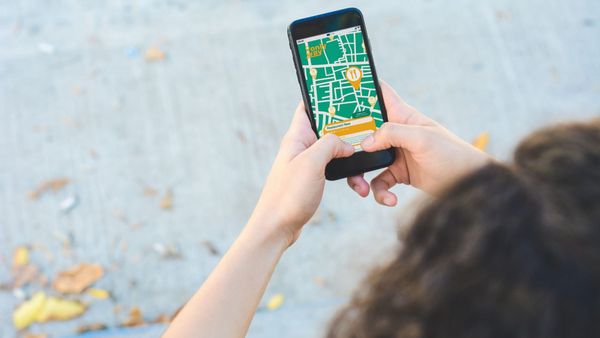
Google Business Profile
Add a business to Google Maps at business.google.com/add, or claim the existing pin, then verify ownership to manage it.

Google Business Profile
Add your business to Google at business.google.com/add, enter your details, then verify it before it appears on Maps and Search.