How to get verified on Instagram: paid subscription or notability request
How do you get verified on Instagram? Subscribe to a paid Meta plan with the badge, or apply as a notable public figure or brand.

A verified badge used to mean fame. Today it mostly means Instagram has confirmed you are who you say you are.
There are two very different routes to it: pay for it, or prove you're notable. Picking the wrong one wastes weeks.
Short answer: to get verified on Instagram, either subscribe to a paid Meta plan that includes the badge, or request verification as a notable public figure, celebrity or brand. The paid route (Meta Verified, now also bundled into Meta One creator and business plans) requires a government-issued photo ID; the notability route runs through your professional dashboard: Menu > Professional dashboard > Settings > Request verification. The catch: a notability request isn't guaranteed, can take up to 30 days to review, and applying again before a decision cancels it.
Below: what the badge means now, both routes step by step, and the rules that can cost you the badge after you get it.
What the verified badge means now
Instagram's page on verified badges explains the change. A badge next to an account's name now means Instagram has confirmed it's the authentic presence of that person or brand.
Previously, the badge also required the person or brand to be notable and unique. Instagram says you may still see badges that reflect those older requirements, and that the badge isn't a symbol of importance, authority or expertise.
That's why there are two routes. Some verified accounts belong to notable people, brands or entities; others are subscribed to Meta Verified.
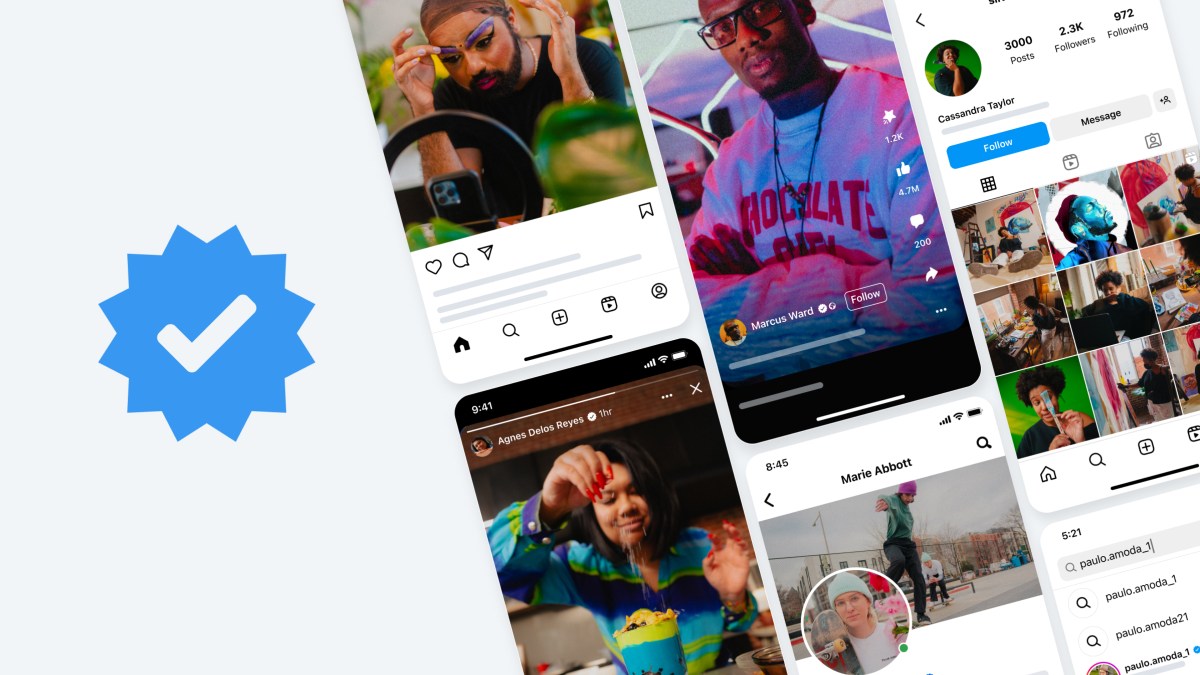
The badge now answers "is this really them?", not "are they famous?"
Route 1: pay for verification
Meta Verified is a paid subscription. Instagram's page on subscribing to Meta Verified describes it as coming with the verified badge, enhanced support, impersonation protection and more.
In September 2026, Meta also introduced Meta One, a set of subscription plans. Meta says the verified badge is included in its creator and business plans, from the Essential tier upward, pending successful verification.
So the paid route is available either as Meta Verified or as part of a Meta One creator or business plan. Plans, prices and availability vary by region and account, so check what your app offers.
Who can buy verification
Instagram's page on Meta Verified eligibility lists the requirements for creators:
- Be at least 18, or the age of majority where you live.
- Be in a country where Meta Verified is available.
- Have an eligible account: an Instagram personal or creator account.
- Have a government-issued photo ID.
- Have Advanced Protection turned on and meet minimum activity requirements.
Instagram adds a rule that catches people out: you mustn't exceed the number of changes you can make to your account within a certain period before applying, such as changes to your profile name, picture, username, location or account type.
Settle your profile before you subscribe.
Businesses have a separate Meta Verified for businesses help center.
How to subscribe on the app
Instagram's subscription page walks through four parts:
- Choose and pay. Tap your profile picture, tap the menu, tap Meta Verified, select your profile, choose Single profile subscription and pay through the App Store or Google Play.
- Turn on two-factor authentication. Pick a security method and follow the on-screen steps.
- Confirm your profile. Confirm or edit your profile name and picture.
- Confirm your identity. Photograph the front and back of your government-issued ID and submit.
Instagram says that if you don't complete verification within 3 days, your subscription is canceled and you're eligible for a refund.
You can verify up to two profiles, one Instagram and one Facebook, in the same Accounts Center, at a bundle price.
Route 2: request verification as a notable account
If you're a well-known person, brand or entity, you can apply without paying. Instagram's page on verification requirements sets four criteria. Your account needs to be:
- Authentic: representing a real person, registered business or entity.
- Unique: the one account for that person or business, with exceptions for language-specific accounts.
- Complete: public, with a bio and profile photo, and active.
- Notable: a well-known, highly searched-for person, brand or entity, featured in multiple news sources.
Instagram says it doesn't count paid or sponsored media when reviewing notability.
How to request verification
Instagram's page on requesting a verified badge lists the steps:
- Make sure you're logged in to the account you want verified.
- Tap your profile picture, then the menu in the top right.
- Tap Professional dashboard, below "Your insights and tools," then tap Settings.
- Tap Request verification.
- Enter your full name and provide identification, such as a government-issued photo ID or official business documents, then tap Submit.
Instagram notes that meeting the criteria doesn't guarantee verification, and that applying multiple times before you get a decision will cancel your application.
Prepare your profile before you apply
Both routes look at your profile, so a little preparation avoids a denial or a restart.
- Finalize your username. Instagram says you can't change it once you're verified.
- Stop changing your details. Meta Verified eligibility limits how many profile changes you can make in a period before applying.
- Complete the profile. For a notability request, Instagram requires a public account with a bio, a profile photo and recent activity.
- Match your ID. Use the name that appears on the identification you'll submit.
- Turn on security. Meta Verified requires Advanced Protection, and two-factor authentication is part of subscribing.
It also helps to link your Instagram from your official website and other accounts. Instagram mentions this as a way to show people you're authentic, badge or not.
What happens after you apply
Instagram's page on what happens after you apply says you'll receive a notification in Activity within up to 30 days, telling you whether your account was verified.
If your request is denied, you can submit a new one after 30 days. Use that time to strengthen what the review looks at, such as fresh news coverage or a more complete profile.
While you wait, don't change your username. Instagram says that once verified, you may not change the username on your account, so pick the one you want to keep before applying.
Rules that can cost you the badge
A badge can be removed. Instagram says it may take away a verified badge, or disable the account, if you:
- Advertise, transfer or sell your verified badge.
- Use your profile picture, bio or name to promote services or activities that break its rules.
- Try to get verified through a third party.
- Switch your account from public to private too many times.
Instagram also says that giving false or misleading information during verification leads to the badge being removed and may lead to further action on the account.
Beware of "get verified" offers
Messages and websites offering to get you verified for a fee are a common scam. Instagram lists attempting to verify through a third party as a reason to remove a badge.
Instagram notes that Facebook or Instagram may sometimes contact people about verification, and links to guidance on checking that such outreach is authentic.
Any legitimate route runs through your own app: the Meta Verified or Meta One screens, or Request verification in your professional dashboard.
After you're verified
Verification shows in more places than your Instagram profile. Instagram's Threads help says that if your Instagram account is verified, the badge also appears on your Threads profile, and you can only change your profile picture on Instagram.

For Meta Verified subscribers, Instagram says updating your profile name or picture after verification may require going through verification again.
Verified accounts also attract more impersonators and more login attempts. For accounts verified for notability, Instagram suggests turning on additional security tools such as two-factor authentication, and reviewing its security tips.
Verification also doesn't transfer to another account, and verifying on Instagram doesn't verify your Facebook account.
Which route fits you
- You want the badge soon and meet the ID requirements: subscribe to Meta Verified or a Meta One plan that includes it.
- You're widely covered in the news as a public figure or brand: request verification for free.
- You're not yet notable and don't want to pay: strengthen your profile's authenticity in other ways, such as linking your Instagram from your website and other official accounts, which Instagram itself suggests.
- You were denied: wait 30 days before applying again, and don't reapply while a request is pending.
Verification questions
How long does Instagram verification take?
For a notability request, Instagram says you'll be notified in Activity within up to 30 days. For Meta Verified, you need to finish the verification steps within 3 days of subscribing.
Can I get verified without paying?
Yes, if your account meets the notability criteria: authentic, unique, complete and well known, with coverage in multiple news sources that aren't paid or sponsored.
Does verification on Instagram verify my Facebook account?
No. Instagram says verifying your account on Instagram won't verify your Facebook account; that's done separately.