
Delete a Google Business Profile: what Google removes and what stays
Deleting a Google Business Profile ends your access, not the listing: only a primary owner can remove it, and Maps can keep the place.


Most people who go looking for a delete button do not want what it does. The removal ends your control of the listing, and the listing itself can carry on without you.
Deleting a Google Business Profile means removing its content and managers from your Google Account. A primary owner does that from the profile's settings, after any new owner or manager has waited out Google's 7-day window.
The removal is permanent. It wipes owner-added posts, photos and videos, and it does not promise that the business disappears from Search or Maps.
What follows separates the three tasks people call deletion, then walks the documented sequence, what survives it, and the routes that actually take a listing off the map.
Three different tasks hide behind the word delete
Deleting a Google Business Profile can mean three different outcomes on Google, and picking the wrong one is why this job so often has to be done twice.
The first is removing the profile from your Google Account. That ends management: your access, your co-managers' access, and the content owners and managers added.
The second is telling Google the business has closed. The place stays on the map for a while, marked as closed, and then fades out of results.
The third is reporting a listing that should never have existed, such as a duplicate or an address that has no business at it. That one does not run through your account settings at all.
Work out which of the three you want before touching anything, because only the first is reversible in any meaningful sense, and even then only by verifying the profile again.
Businesses running several listings usually want a mix of all three at once, so decide which listings to keep before you start removing any of them.
The ownership gate that decides what you can delete
Your role on the profile decides whether the option is even there.
Google's documentation on Business Profile owners and managers splits the two roles clearly. Managers have mostly the same access as owners, but they cannot add or remove users and they cannot remove the profile.
A profile can have several owners and exactly one primary owner.
That primary role carries the removal rights, and it carries an exit condition with it.
Google states that a primary owner cannot remove themselves until after transferring primary ownership to someone else. Selling the business, leaving the agency or handing the listing to a new manager all run through that transfer first.
Then there is the timing rule people rarely see coming. New owners and managers have to wait 7 days before they can delete or restore a profile, remove other owners or managers, or transfer primary ownership.
So a listing handed over on Monday cannot be cleaned up by the new owner on Tuesday. Nothing is broken; the account is simply inside the window.
The sequence Google documents to delete a Google Business Profile
Google's instructions for removing a profile run in two short stages: get into the right account, then run the removal from the profile's settings.
Get into the account that holds the listing
- Sign in to the Google Account that manages the business, rather than whichever account your browser opened with.
- Open the Business Profile you intend to remove, from Business Profile Manager or from the profile itself on Search.
- Check who currently holds owner and manager roles, and transfer primary ownership if you are the primary owner and want to step away.
Run the removal from the profile's settings
- Open the profile's settings, which Google documents as selecting "More" and then "Business Profile settings."
- Select "Remove Business Profile," then "Remove profile content and managers."
- Turn on the permanently closed option only when the business has genuinely stopped trading at that address.
- Confirm through "Continue," then "Remove," then "Done."
Google also documents a bulk path for anyone holding a list of dead listings: select the profiles in Business Profile Manager, choose "Actions" at the top right, then "Remove businesses" and confirm.
The order matters more than the clicks. Checking roles first is what stops a removal halfway, and it is the step that most quick write-ups leave out.
What to save before you delete a Google Business Profile
Before you delete a Google Business Profile, save the material you cannot get back. This is the part nobody warns you about until it is gone.
Google's page on how to remove a Business Profile from your Google Account says the removal of content and managers is permanent and affects all owners and managers. Posts, photos and videos added by owners and managers are permanently deleted with it.
For an older listing, that can be the only surviving copy of quite a lot of work:
- Storefront, interior and team photos uploaded over the years from phones nobody still owns.
- Product or menu images shot specifically for the listing.
- Posts covering openings, offers and events, with the wording you settled on.
- The exact business description, categories and service list you tuned over time.
- Question-and-answer entries you wrote as the owner.
Download what matters first.
Ten minutes of saving files now is cheaper than rebuilding a visual history later, and if the listing is ever reclaimed through verification it gives you something to rebuild from.
What Google keeps after the profile is removed
Removal clears the owner's side of the listing and leaves the public's side intact.
Reviews stay. So does other user-generated content, including photos and edits contributed by customers rather than by you. Google is explicit that user-generated content and reviews remain after a removal.
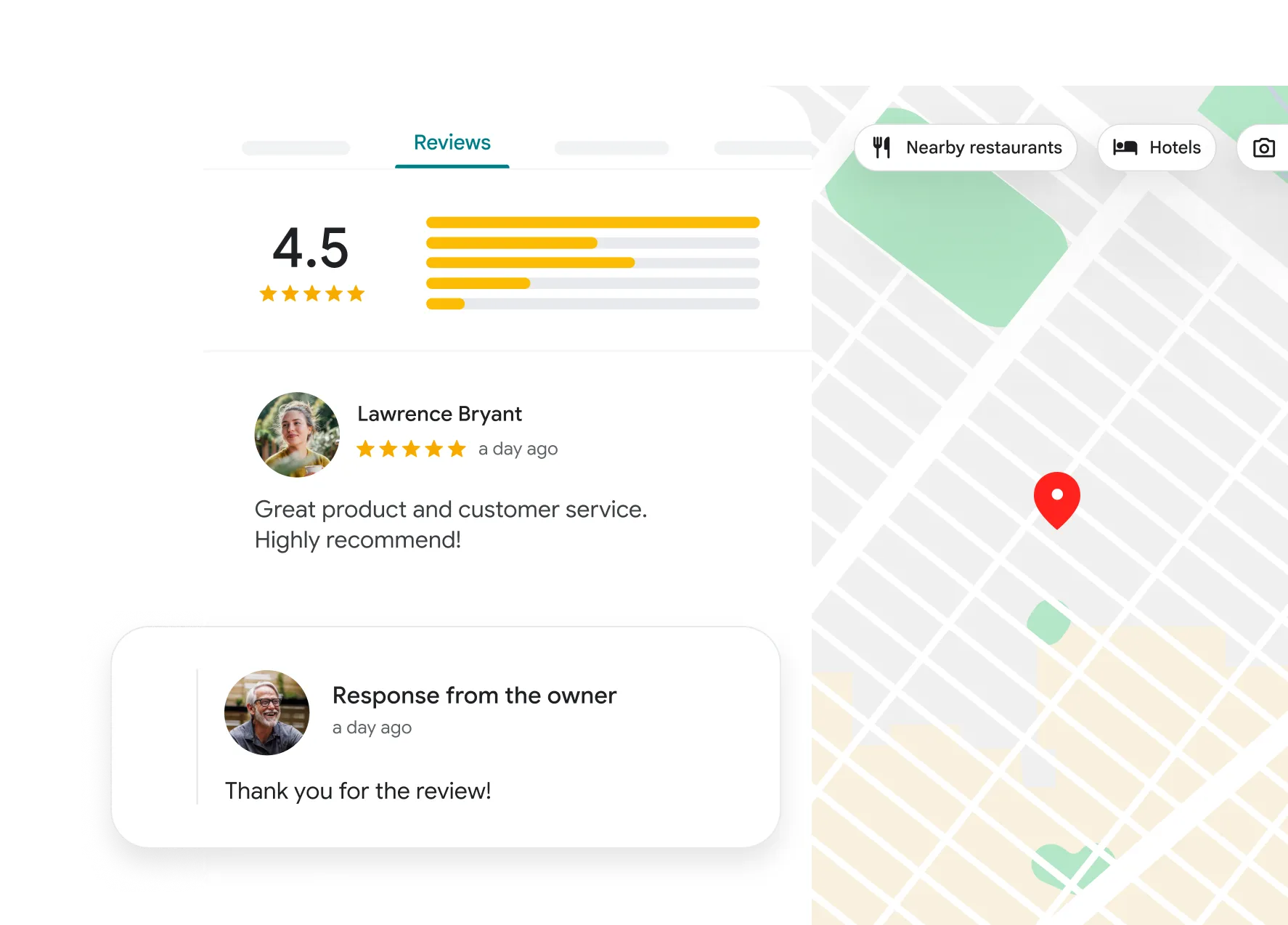
The place record itself can also stay. Google says that removing all ownership and content from a Business Profile does not guarantee that the business stops appearing on Maps and Search.
That is the single most misunderstood outcome of this task.
An unmanaged listing can keep collecting reviews, keep sending people to the address, and keep ranking in local results while nobody can reply to any of it.
If the business still trades, leaving the listing live but unmanaged is a slow leak rather than a clean exit. Someone should hold the keys.
There is a second cost to an abandoned listing that owners tend to discover months later. Opening hours drift out of date, holiday closures never get posted, and public edits can change details nobody is watching.
Google treats an unclaimed place as a record the public helps maintain, so the listing keeps living, just without your voice in it.
If you are removing your access because the business changed hands, the better sequence is to transfer ownership rather than remove the profile and leave the listing loose.
Marking the business closed instead of removing the profile
When a business has actually ended, closure is the honest signal, and it behaves better than deletion.
Google's removal flow includes the option to mark the business as permanently closed, and describes what happens next: the profile will slowly disappear from search results and then be completely removed.
That is a very different outcome from an unmanaged listing sitting live for years.
Customers see the closure instead of driving to a locked door, and the listing winds down on Google's own timetable.
Temporary closure is the other side of that coin. A business pausing for a renovation, a season or a relocation keeps its profile, its reviews and its history, and picks the listing back up when it reopens.
Reopening somewhere new is closer to a fresh start than an edit. This rundown of how to add a business location to Google Search covers what that new listing needs to look like from day one.
Reporting a listing that should not be on Maps
Some listings are not yours to delete, and Google handles them through Maps instead.
Its instructions for requesting removal of a Business Profile from Google Search and Maps cover profiles that never existed or are not eligible to be on Google. You do not have to own the profile to file the request, but you do have to be signed in to a Google Account.
The route runs through the listing itself: find the place on Maps, select "Suggest an edit," choose "Place is closed or not here," pick the reason that fits, and submit.
Google may email follow-up questions before deciding, and an approved request takes the listing off both Search and Maps.
For listings involved in fraud, wrong contact details or policy breaches, Google points to its business redressal complaint form as the stronger route.
Duplicates are the most common case here, and they multiply fastest in multi-location businesses.
Reader questions about removing a Google Business Profile
Does removing the profile delete my Google Account?
No. The profile and the account are separate. Removing a Business Profile ends your management of that listing and deletes owner-added content, while the Google Account, its email and everything else attached to it stay exactly as they were.
Can a manager delete a Google Business Profile?
No. Google restricts removal to owners, and specifically to the primary owner for the profile-wide removal of content and managers. A manager who needs the listing gone has to be promoted to owner first, and then wait out the 7-day window that applies to newly added users.
I removed the profile, so why can I still see the business on Maps?
Because the place record and the management layer are different things. Google states that removing ownership and content does not guarantee the business stops showing up on Maps and Search. If the business has closed, mark it closed. If it never existed there, report it through Maps.
What happens to my reviews if I delete the profile?
They stay. Reviews are user-generated content, and Google keeps user-generated content through a removal. The practical effect is that the reviews continue to sit on a listing that no longer has anyone able to respond to them.
Can I get the profile back after removing it?
Only by verifying it again, and the deleted content does not come back with it. Verification restores management of the listing. Owner-added posts, photos and videos removed during the deletion are gone for good.
Decide what you want to end, then pick the route
If you only remember one thing from this, make it the split between access and existence.
Deleting the profile ends your access. Closing or reporting the listing is what changes whether the place shows up at all.
So take the ten quiet minutes first. Confirm your role, transfer primary ownership if you are the one leaving, download the photos and posts you would miss, and only then decide whether this listing should be removed, marked closed, or reported.
If the listings you keep are the ones the business actually runs on, they deserve a plan rather than a clear-out.