How to find someone on LinkedIn ethically, without scraping or fake profiles
How you find someone on LinkedIn decides how your first message lands. A search that feels like tracking turns a warm introduction cold before you've said a word.
LinkedIn related posts.
How you find someone on LinkedIn decides how your first message lands. A search that feels like tracking turns a warm introduction cold before you've said a word.

Find recruiters on LinkedIn with People search, Current company and Locations filters, or the Meet the Hiring Team section on job posts.
Find your LinkedIn URL under Public profile & URL on your profile's right side; in the app, it's in Contact info under Your Profile.
Old phone contacts stuck in LinkedIn? Delete them under Settings: Syncing options, Sync contacts, Remove all. It works at once.

Not sure where to start? Create a business page on LinkedIn from For Business, Create a Company Page, then choose a Page type.
Copy your LinkedIn URL from Public profile & URL on your profile page; in the app, open Contact info and copy it from Your Profile.

Unsure how to reach someone at a company? Contact company employees on LinkedIn via the Page's employee list and a short, honest note.
Change email on LinkedIn in Sign in & security: add the new address, confirm it from your inbox, make it primary, then remove the old one.

Still charged after trying to cancel LinkedIn Premium? Cancel where you bought it: LinkedIn on desktop, the iPhone app, or Google Play.
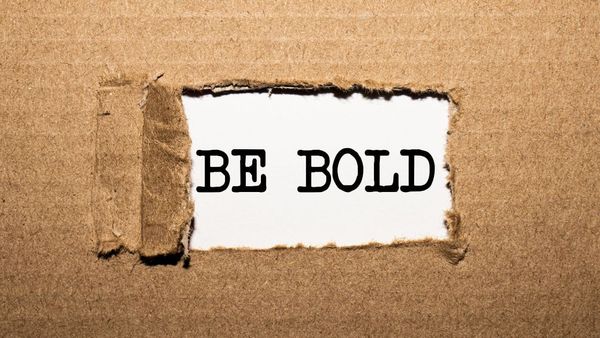
Can you use bold text on LinkedIn? In articles, yes, with a built-in button. The post composer has no bold option at all.

Blocked on LinkedIn? LinkedIn never says. Their profile won't load and you're disconnected, but closed or hibernated accounts look the same.
Someone bothering you? Block someone on LinkedIn from their profile: More, Report/Block, Block. They get no notice and you disconnect.