Is LinkedIn Premium worth it? A plan-by-plan answer for your situation
Is LinkedIn Premium worth it? Yes if you're job hunting or prospecting on a deadline; for casual networking, the free plan is enough.

Short answer: LinkedIn Premium is worth it when you're actively doing one specific thing for a few months: job hunting, selling or hiring. The catch: each of those needs a different plan, and for casual networking and reading, the free account already covers what you need.
Below: what each plan adds, who gets real value from it, and how to test it before you pay.
Why "is LinkedIn Premium worth it" has no single answer
Most reviews treat Premium as one product. It isn't. LinkedIn sells several plans, each built for a different job.
LinkedIn's Premium subscription FAQ lists them: Premium Career, Premium Business, Premium All-in-One, Sales Navigator, Recruiter Lite, Premium Company Page and LinkedIn Learning.
Asking whether "Premium" is worth it is like asking whether a gym membership is worth it. It depends on whether you'll go, and what you're training for.
The better question is: which plan matches what I'm doing right now, and will I use it every week?
What LinkedIn Premium Career adds for job seekers
Premium Career is the plan most people mean when they say "Premium." It's built for people looking for a job.
LinkedIn's compare plans page lists what it includes:
- 5 InMail messages per month to contact people you aren't connected with.
- Who's viewed your profile for the past 365 days.
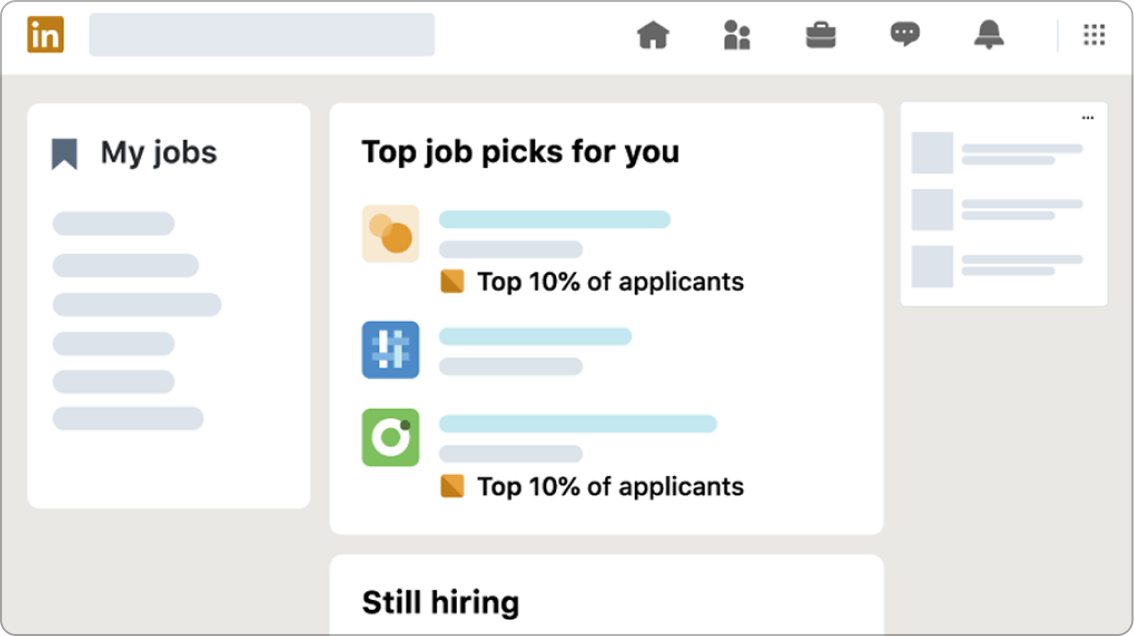
- Top applicant jobs and advanced search filters for people who are actively hiring.
- AI-powered insights on job posts and profile writing assistance.
- LinkedIn Learning, with access to more than 25,000 courses.
The page also lists browsing profiles anonymously and a message proofreader.
The value comes from two things: reaching hiring managers directly, and seeing where you stand as an applicant. If neither changes how you search, the plan won't change your results.
When Premium Career pays for itself
Premium Career is worth it when you're applying seriously and on a timeline.
It tends to earn its cost when:
- You're applying to several roles a week and want to know where you rank.
- You want to message hiring managers or team leads you aren't connected to.
- You're changing fields and want to use LinkedIn Learning to fill a skills gap.
It's weaker when you're "open to offers" but not really looking. A month of Premium you open twice is expensive reading.
Premium Business for founders and freelancers
Premium Business is aimed at people growing a business or a client base rather than looking for a job.
The practical difference is reach. LinkedIn gives Premium Business 15 InMail credits a month, three times the Career plan.
It also raises the commercial use limit, the cap LinkedIn places on how many profiles free members can search and browse each month.
LinkedIn's commercial use limit page says upgrading to Premium Business, Recruiter Lite or Sales Navigator increases the number of profile searches and views you get.
If you regularly hit the "you've reached the monthly limit" message while researching clients or partners, that's the clearest sign this plan fits.
Sales Navigator for prospecting
Sales Navigator is LinkedIn's plan for people whose job is finding and contacting buyers.
It has the largest InMail allowance, 50 credits a month, and raises the search and browse limits like Premium Business.
For a salesperson who prospects daily, it's usually the plan that makes the numbers work. For someone who contacts a handful of new people a month, it's more tool than they need.
If you're weighing LinkedIn as a sales channel, this piece on generating business leads from LinkedIn looks at the approach before the plan.
Recruiter Lite for hiring
Recruiter Lite is for people who hire, whether in-house recruiters or founders filling their first roles.
It comes with 30 InMail credits a month and raises the commercial use limit.
It's a strong fit for someone running several open roles at once. For a single hire every year or two, posting the job and searching within the free limits is often enough.
How InMail credits actually work
InMail is the feature most Premium buyers pay for, so it's worth knowing the rules before you count on it.
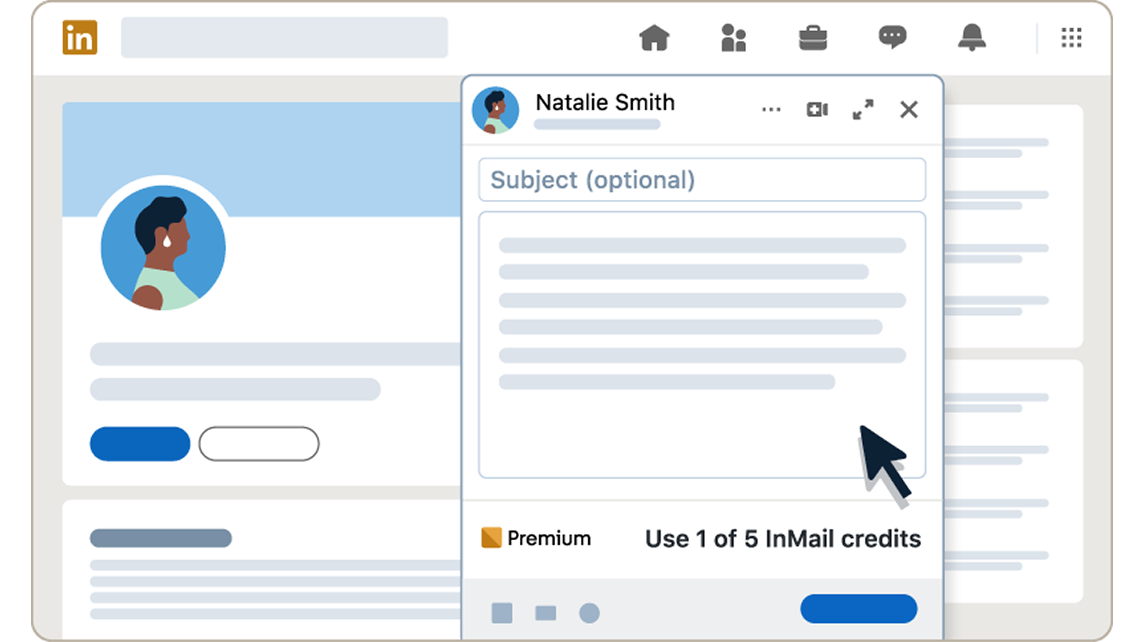
LinkedIn's page on InMail credits explains the basics:
- Credits renew on the first day of each billing cycle.
- A credit comes back if your InMail is accepted, declined or answered within 90 days.
- Unused credits don't survive cancellation. The balance goes to zero.
There's also no plan with unlimited InMail.
Premium rewards well-aimed messages, not volume. A thoughtful InMail that gets a reply costs you nothing in the end.
What the free LinkedIn account already gives you
Before paying, it's worth being clear on what free members already have.
The free account lets you build a full profile, connect and message your connections, post and comment, search for jobs and apply to them, and join groups.
The commercial use limit mostly bites when you browse lots of profiles outside your network. LinkedIn says some searches don't count toward it, including name searches from the top search box, browsing your first-degree connections and job searches.
For someone who networks with people they know and applies to jobs through listings, the free account does the job.
Who should skip LinkedIn Premium
Premium usually isn't worth it if:
- You use LinkedIn mainly to read the feed and stay in touch.
- You're happily employed and not hiring or selling.
- You'd buy it "to see who viewed my profile" and nothing else.
That last case is common. Knowing who looked at your profile feels useful, but it rarely changes what you do next. If that's the only draw, the free version's partial view is enough.
How to test Premium before you pay
You don't have to decide in the abstract.
Eligible members can start a one-month free trial. Use it the way a paid month would be used: pick one goal, such as ten tailored applications or twenty outreach messages, and track whether Premium changed the outcome.
Set a reminder a few days before the trial ends. LinkedIn asks you to cancel at least one day before billing, and cancelling a trial ends access straight away.
LinkedIn also notes that a charged subscription may be refundable within seven days if you haven't used Premium in that time. Don't rely on that as a trial; the free month is the cleaner test.
Monthly or annual: which billing makes sense?
LinkedIn offers monthly and annual billing, with quarterly billing rolling out.
Annual billing makes sense for plans tied to your job, such as Sales Navigator for a salesperson or Recruiter Lite for someone hiring all year.
For job hunting, monthly is usually smarter. A search has an end point, and you'll want to cancel the month you accept an offer.
Match the billing period to the length of the goal, not to the discount.
Signs Premium has stopped being worth it
A plan that was worth it three months ago may not be now. The warning signs are easy to spot if you look for them once a month.
You're probably paying for nothing when:
- Your InMail credits keep piling up unused.
- You haven't opened the job insights since the first week.
- The only Premium screen you visit is the viewer list.
- The project that justified it, a job search or a hiring push, has ended.
When two or more of these are true, cancel or downgrade.
Remember that accumulated InMail credits disappear when Premium ends, so send any messages you still mean to send first.
What Premium won't fix
It's worth being honest about the limits. Premium adds reach and information; it doesn't add substance.
A thin profile stays thin with a gold badge next to it. An InMail that reads like a template gets ignored whether it came from a paid plan or not. A job application for a role you're not qualified for doesn't become stronger because you can see how many other people applied.
Fix the profile and the message first, then pay for the reach. Members who do it in that order get far more out of any plan than members who upgrade hoping the subscription does the work.
Is LinkedIn Premium worth it for you? A quick decision tree
Work through these in order:
- Actively job hunting in the next three months? Try Premium Career.
- Prospecting for clients or deals every week? Look at Sales Navigator.
- Hiring for more than one role? Look at Recruiter Lite.
- Building a business and hitting search limits? Look at Premium Business.
- None of these? Stay on the free account and revisit when that changes.
The answer can change within a year. Premium works best as a tool you pick up for a project and put down after it, not a permanent subscription.
Common questions about Premium value
Does LinkedIn Premium help you get a job faster?
It can help you reach hiring managers and see how you compare with other applicants. It doesn't apply for you, so the value depends on how actively you use those features.
Is there a LinkedIn Premium plan with unlimited InMail?
No. LinkedIn says no plan offers unlimited InMail. Each plan has a monthly allowance, and credits come back when your InMail gets a response within 90 days.
Can I see who viewed my profile without Premium?
Partly. Free members see a limited recent list. Premium Career shows viewers from the past 365 days, though people browsing in private mode stay anonymous on any plan.