How to add a resume to LinkedIn for job applications or on your profile
Add a resume to LinkedIn two ways: upload it in your job application settings for Easy Apply, or show it on your profile in Featured.
You can add a resume to LinkedIn in two places, and each one does a different job.Upload it in your job application settings, and LinkedIn keeps it ready for Easy Apply.Add it to the Featured section of your profile, and anyone viewing your profile can open or download it.A resume on your profile can't be used for job applications, so most job seekers need the first option.
Below: the exact steps for both, the file rules, and which one to choose.
The two ways to add a resume to LinkedIn
LinkedIn treats a resume in two separate ways, and mixing them up is the most common reason people think their upload "didn't work."
The first is a private resume for applications. It sits in your job application settings, and only the employers you apply to see it.
The second is a public resume on your profile. It sits in the Featured section, where every profile visitor can open it. LinkedIn says it may be visible off LinkedIn too.
LinkedIn's resume upload page spells out the split: a resume uploaded to your profile can't be used for job applications.
So the question to ask first isn't "how." It's "who should see this?"
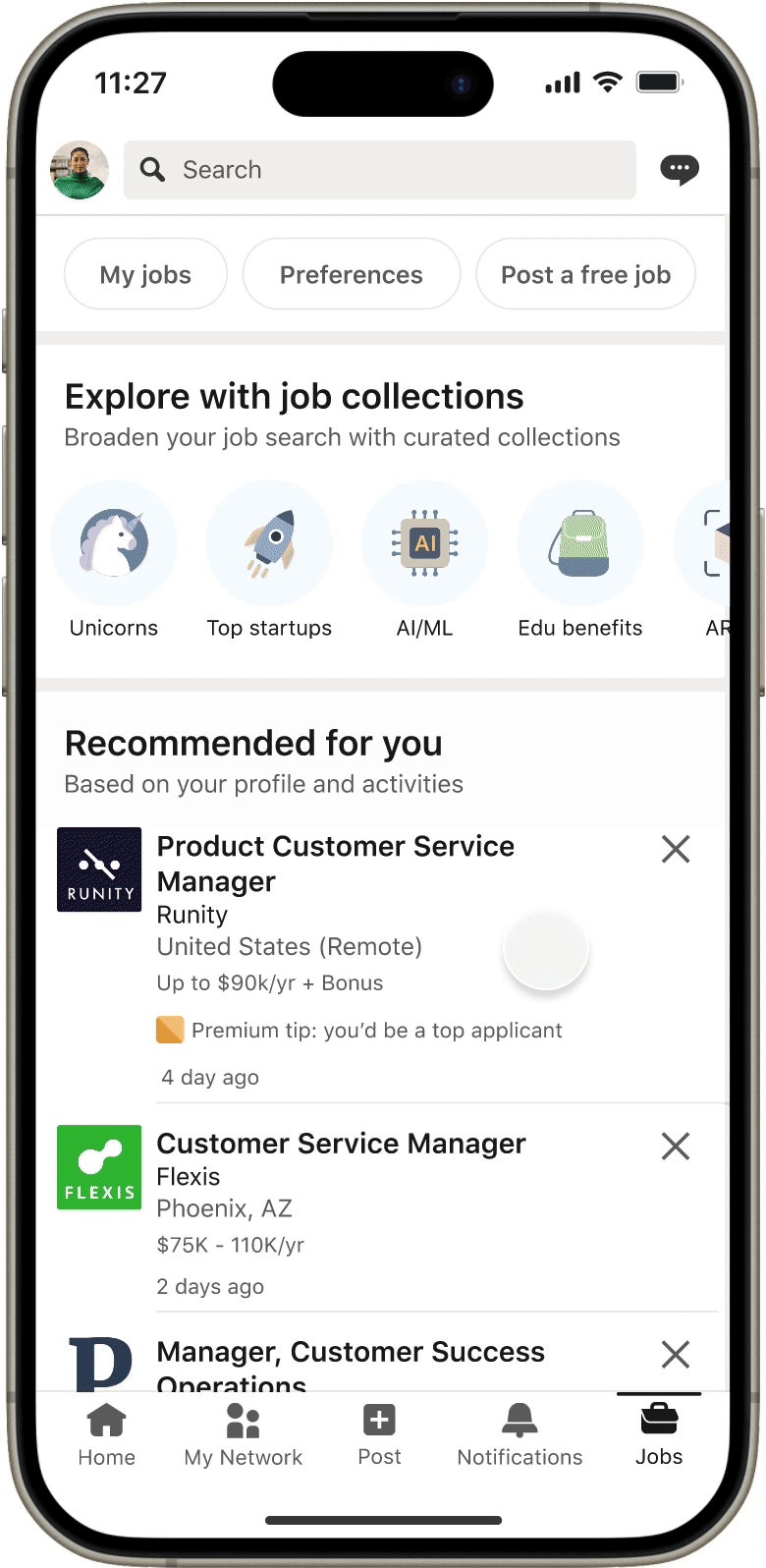
How to add a resume to LinkedIn for Easy Apply
This is the route for applying to jobs. LinkedIn stores your uploads and offers them each time you apply with Easy Apply.
Upload it from your job application settings
- Go to the Jobs tab on LinkedIn.
- Click Preferences, then open Resumes and application data.
- Click Upload under the Resume section.
- Choose your file from your computer and confirm the upload.
LinkedIn also calls this page the Job Application Settings page. Both names lead to the same place.
Upload it during an application
You can add a resume in the middle of applying, too:
- Open the job you want and click Easy Apply.
- Under Resume (optional), select Upload resume, then pick the file.
- Finish the form and click Submit application.
If the button says Apply instead of Easy Apply, the job sends you to the company's own site. Any resume upload then happens on that site, not on LinkedIn.
LinkedIn's file rules for resumes
Keep the file simple and small. LinkedIn recommends a file under 2MB, and the format must be either Microsoft Word or PDF.
A few more rules from the help center matter in practice:
- LinkedIn keeps your four most recently uploaded resumes, so you can pick the right version per job.
- If you apply while signed out, uploading a resume is mandatory.
- An application sent without a resume can't be reopened later to attach one.
That last point catches people. If you forgot the file, the only documented fallback is contacting the job poster, when their contact details are listed.
PDF is usually the safer choice. It keeps your layout exactly as you designed it, whatever software the recruiter opens it in.
How to add your resume to your LinkedIn profile
This is the public route. Use it when you want recruiters who land on your profile to see a polished document, not only your Experience section.
On a computer:
- Click Me, then View Profile.
- Click Add profile section, then open the Recommended dropdown and choose Add Featured.
- Click the Add icon in the upper right of the Featured page and choose the media option.
- Upload your resume, add a title, and click Save.
On the LinkedIn app, tap your profile photo, tap View profile, then Add section. Choose Recommended, then Add featured, and pick the media type to upload.
LinkedIn's guide to the Featured section lists documents, images, presentations and videos as samples you can upload there.
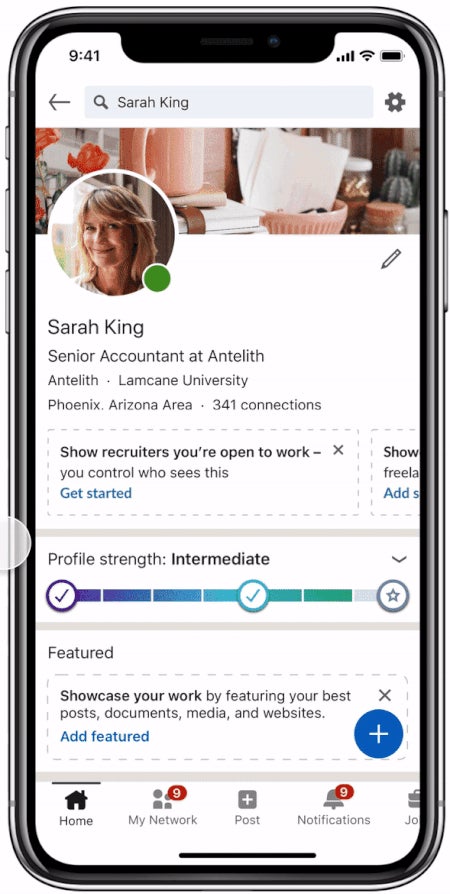
Once saved, the resume appears as a card near the top of your profile. Viewers can download it directly from your profile page.
Which resume option should you use?
Pick by what you're trying to do this month:
- Actively applying through LinkedIn: upload to job application settings. It's the only version Easy Apply can attach.
- Freelancing or open to inbound offers: add it to Featured, so people who find your profile get the full picture fast.
- Job hunting quietly while employed: keep it in application settings only. A Featured resume is visible to your current colleagues as well.
Many people use both. The application copy can be tailored per role, while the Featured copy stays general.
What to remove before you post a resume publicly
A resume written for a hiring manager often contains details you'd never put on a public page.
Before you upload to Featured, strip out:
- Your home address and personal phone number.
- Salary history or current pay.
- References' names and contact details.
LinkedIn's page on how uploaded resumes are used is direct about this. A resume posted as media on your profile or in a post is visible to anyone viewing it, and may be visible off LinkedIn.
Treat a Featured resume as a public document, because it is one. An email address and a city are usually enough.
How LinkedIn uses the resumes you upload for applications
Resumes saved in your application settings aren't only stored. LinkedIn says it uses them to recommend and rank jobs for you, and they may be used in some generative AI features.
You have two controls here:
- You can opt out of LinkedIn saving your resumes, in the same resume settings.
- A separate setting, Share resume data with hirers, decides whether that data goes to recruiters.
Check both once. They're easy to forget, and they decide more about who sees your resume than the upload itself.
How to replace or delete an old resume
Outdated files are the quiet problem with the four-resume limit. You end up picking last year's version by mistake.
To delete one, open Job Application Settings (or Resumes and application data), click the ellipsis (...) next to the file, and choose Delete.
Deleting it doesn't affect applications you've already submitted. Employers keep the version you sent.
For a public Featured resume, open the Featured item, edit it, and upload the new file. If you'd rather take it down completely, here's how deleting a resume from LinkedIn works.
Can LinkedIn build a resume from your profile?
Sometimes. LinkedIn has a Resume Builder that creates a resume from your profile, but the help center says it isn't currently available to all members.
If you don't see it, there's a simpler fallback. Your profile can be downloaded as a PDF from your own profile page.
That PDF is a plain export, not a designed resume. It's useful as a starting draft, less so as the file you send to a hiring manager.
Why your LinkedIn profile text still matters after you upload
An uploaded resume doesn't replace your profile. Recruiters searching LinkedIn find people through profile text, not attached files.
That means the words in your headline, About section and Experience entries decide whether you show up at all. The resume only helps once someone has found you.
Keep the two aligned:
- Same job titles and dates in both.
- The same two or three core skills near the top.
- No gaps on LinkedIn that the resume explains, or the reverse.
A recruiter who sees different dates in each will ask about it, and not in a good way.
Mistakes that make a LinkedIn resume upload fail
Most failed uploads come down to the file, not LinkedIn:
- The file is too large. Scanned or image-heavy resumes blow past 2MB fast.
- The format is wrong. Pages files, images and plain text aren't accepted for applications.
- The wrong route was used. A resume in Featured won't appear in Easy Apply, however long you wait.
If the upload still fails with a correct file, export it again as a fresh PDF and retry. That clears most corrupted-file errors.
Your resume upload checklist
Before you apply to your next role, run through this:
- Resume saved as PDF or Word, under 2MB.
- Uploaded in Resumes and application data, with old versions deleted.
- Featured copy (if any) stripped of address, phone and salary details.
- Share resume data with hirers set the way you want it.
- Profile dates and titles matching the resume.
Then open one Easy Apply job and check that the right file shows under Resume. That's the moment it counts.
Resume upload questions
Can I attach a resume to a LinkedIn application after I've sent it?
No. LinkedIn says an application submitted without a resume can't be reopened to add one. If the job poster lists contact details, reaching out to them directly is the documented fallback.
Does deleting a resume withdraw my applications?
No. Deleting a resume from your settings doesn't affect applications you already submitted. The employer keeps the copy you sent.
Can recruiters see the resumes in my application settings?
Only employers you apply to receive the resume you attach. Whether your stored resume data is shared more widely with hirers depends on your Share resume data with hirers setting.