
How to claim my business on Google when verification is the hard part
How do I claim my business on Google? Find the listing in Maps, select Claim this business, then pass the verification Google assigns.


An unclaimed listing is still a listing.
It shows your name, a guess at your hours, a photo somebody else took, and a map pin that may sit on the wrong side of the street, and none of it answers to you. Every day it stays that way is a day customers act on information you did not write.
How do I claim my business on Google?
Find the listing in Google Maps, select "Claim this business", sign in with the Google account that should own the profile, and complete the verification Google puts on screen. The profile transfers to you the moment that verification passes.
The claim takes minutes. The verification behind it is the stage where claims stall, so most of this article sits there.
What an unclaimed listing is costing you
Public listings accept public input. Anyone can suggest a correction to your hours, your category or your address, and with nobody managing the profile, those suggestions can go live without a single person at your company seeing them.
The visible costs are the ordinary ones: customers arriving after you have closed, calls going to a disconnected number, a competitor's photo sitting where yours should be.
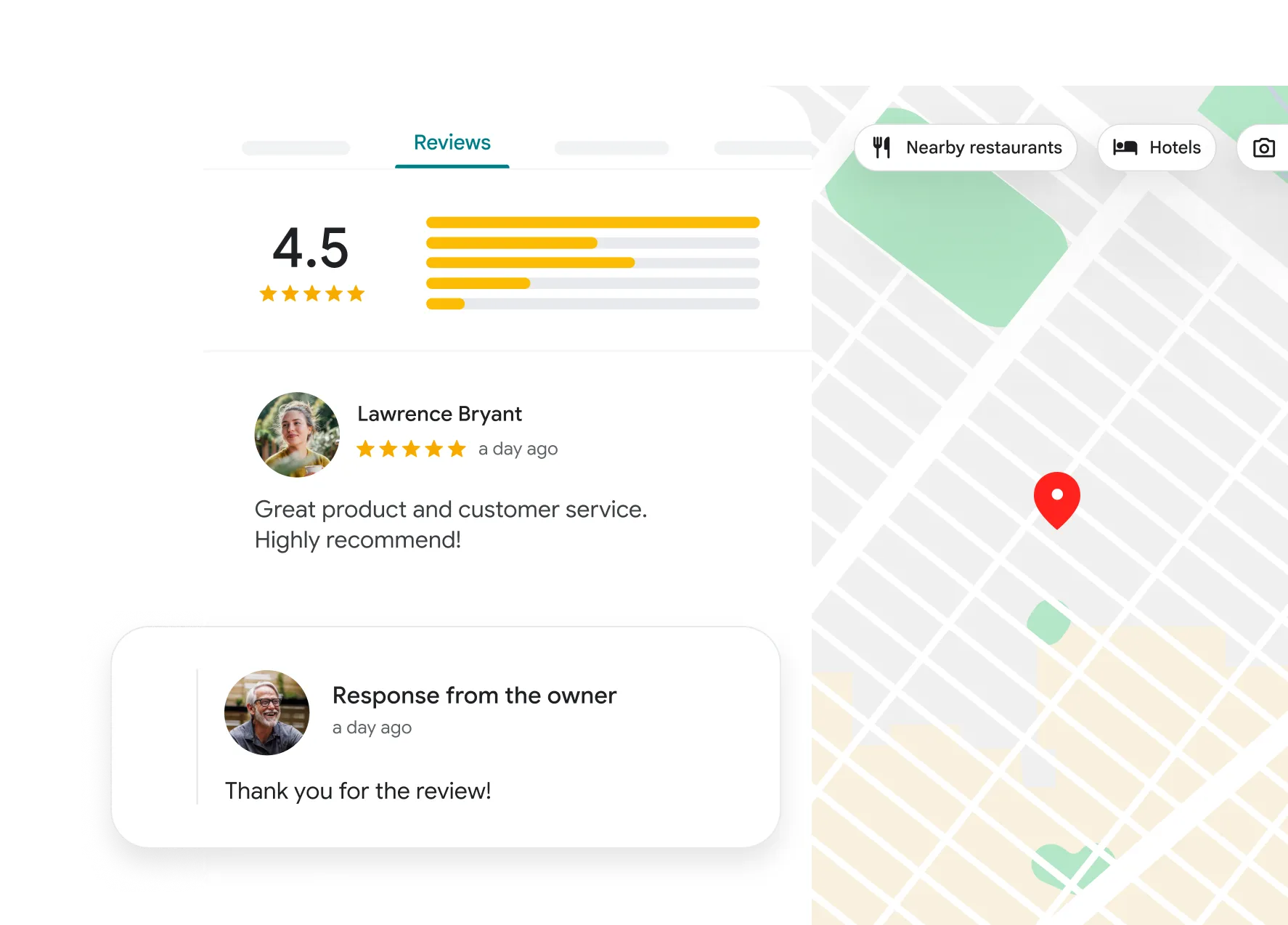
The quieter cost is that you cannot reply to reviews, and a review thread with no owner's voice in it reads exactly the way it looks.
None of that is fixed by editing the listing as a visitor. It is fixed when you claim your business on Google, and ownership runs through verification.
The claim itself is four actions
Google documents a short path from the public listing to the claim flow, set out in its page on adding or claiming a Business Profile.
- Search the business by name and city in Google Maps, then open its listing.
- Select "Claim this business", then "Manage now". In the mobile app, tap "About" first.
- Sign in with the Google account the business intends to keep long term.
- Complete the verification Google presents, then wait for the review to finish.
Step 3 deserves a pause.
The account you sign in with becomes the owner of record, so a personal address belonging to whoever happened to be at the desk that afternoon is a problem you inherit later.
If no listing turns up at all, the entry point changes: you create the profile first and verify afterwards. This starting point on adding your business to Google covers that version of the flow, where there is nothing to claim yet.
Why the verification method is assigned, not chosen
Most write-ups on how to claim a business on Google tell you to select a verification method. Google's documentation says the opposite.
Its page on verifying your Business Profile states that verification methods are automatically determined by Google and cannot be changed.
Availability depends on the business type, the location, the region and the business hours. Two shops on the same street can be offered different methods, and a method a neighbour used last year may not appear for you.
That single fact changes how you prepare.
You cannot plan around the method you want.
The workable approach is to have what any of them might ask for within reach: a phone that answers at the business number, an email address on the business domain, installed signage, and somebody on site who can film.
What each method actually asks of you
The methods Google lists include a phone call or text, email, a live video call with a support representative, a recorded video, physical mail, and Search Console for businesses whose website is verified there. Bulk verification exists for operators claiming many locations at once.
The differences that matter in practice are about what has to exist at the moment you verify.
- Phone, text or email: the contact detail on the profile must be one you can actually receive on.
- Live video call: someone has to be at the business, during its hours, able to walk the camera around.
- Recorded video: the same, without the appointment.
- Mail: the address has to receive post reliably, and someone has to be watching for it.
Google's published timings are the yardstick for all of them: most mailed codes arrive within 14 days, codes expire after 30 days, and verification reviews take up to 5 business days.
Claiming without waiting on a postcard
Mail is the method people dread, because it is the slowest and the easiest to lose. It is also the one most likely to appear for a business with a physical address and little else Google can check.
The practical countermeasures are unglamorous.
Make sure the business phone number on the profile rings somewhere a human answers during business hours, because a reachable number is what makes the faster methods possible. Make sure the website on the profile resolves and matches the business name, and that it is verified in Search Console if you own it.
This look at verifying Google My Business without a postcard runs through the alternatives worth setting up before you start the claim rather than after.
What a recorded video has to prove
Video verification fails more often than it should, because the recording screen does not explain what the reviewer is checking. Google's requirements for verifying with a video recording ask for three proofs in one continuous take.
- Location: street signs, building numbers or neighbouring businesses that place you on the map.
- Existence: your storefront, showroom or signage, with the name on a permanent fixture.
- Management: something only staff can reach, like opening a register, a kitchen or a storage room.
The recording must be unedited and complete, with no breaks, at least 30 seconds long, and filmed live on a mobile device. Review takes up to 5 business days, and a rejection comes with a reason so you can record a replacement.
Rehearse the walk before you press record.
Start outside at the street sign, move to the signage, then go through the staff door and open something a customer could not open. Failures usually come from stopping at the front door and never proving the third point.
When somebody else already manages the listing
Occasionally the claim button is missing because a former agency, a franchisor or a previous owner holds the profile. Google's route for requesting ownership of a profile sends a form to the current manager rather than starting a claim.
That holder has 3 days to respond.
If nothing comes back, the confirmation email may offer a direct path onward through "View request" and then "Verify". If the request is refused, you can still suggest edits to the listing and appeal the decision.
Service-area businesses are told to contact support instead of using the standard request flow.
The wrong move here is creating a second listing because the first one will not budge. Duplicates split your reviews, confuse the map, and eventually have to be merged anyway.
This explanation of requesting admin access to a Google Business Profile sets out what to send and what the current holder sees.
If you are claiming more than one location
Claiming a business on Google changes shape once there are several addresses.
Each location still needs its own verification, but they should all end up under one account, because that is what makes later work possible: bulk edits, consistent categories, one place to see which listings are still pending.
The order matters.
Sign in to the account that will hold everything before you claim the second location, rather than claiming each one from whatever account was open at the time and merging later. Google also documents bulk verification for operators claiming many locations at once, which is worth asking about before you start claiming them one by one.
Verification questions that come up mid-claim
Can I speed up verification?
Not directly, and no one can sell you a faster route. What you can influence is which methods Google offers, by making sure the business phone, business email and website on the profile are real and reachable before you begin. The slow methods tend to appear when the fast ones have nothing to check against.
Should I start over if my details change during the wait?
No. Restarting is what produces duplicate listings. Let the review finish, then edit the profile once it is yours, since changes made during the claim are held until verification completes anyway.
Does a video verification recording get published anywhere?
Google treats it as verification material, not profile content, so it is not something customers browse. Film what the requirements ask for and nothing more, and avoid recording staff or customers who have not agreed to appear.
Why was my claim rejected when my business is real?
Rejections usually trace to a mismatch rather than to doubt about your existence. The usual culprits are an address that does not match the signage, a name carrying marketing words the shopfront does not, or a video that proved location and existence but never staff access. Fix the mismatch, then try again.
The part that does not wait for you
The listing exists whether or not you claim it, and it keeps answering questions about your business either way. Left alone, it answers with whatever Google assembled and whoever edited it last.
So the deadline on this is not Google's, it is yours.
Find the listing in Maps, start the claim, and sign in with an account the business will still control in three years. Then prepare for a verification you do not get to pick: a phone that answers, an address that receives post, signage that is up, and someone on site who can film.
Everything you actually wanted from the profile, the hours, the photos, the replies to reviews, sits on the far side of that one step.