
How to close Google My Business for a season, a move, or for good
Closed for a season or for good? Close Google My Business under Edit profile, Hours, by saving a closed status.


Every closure has a length, and Google has a different setting for each one.
Short answer: to close Google My Business, open your Business Profile, select Edit profile, then Hours, and save the business hours status as temporarily closed or permanently closed. The catch: a closure of about a week or less belongs in special hours instead, and a move or a rename should never be staged as a permanent closure.
What follows sorts the three cases, gives Google's own steps for each, and covers what searchers see afterwards.
Which closure setting matches your situation
Start from the calendar, not from the menu. The right control depends entirely on how long the doors stay shut and whether they open again at the same address.
Google documents three separate behaviors here, and mixing them up is the usual mistake.
The three behaviors sort like this:
- Special hours cover a short interruption.
- Temporarily closed covers a long one.
- Permanently closed says the business has stopped operating at that address, a public statement rather than a pause.
Length is the honest test, not intent.
A restaurant that expects to reopen "soon" after a fire is still closed indefinitely as far as a searcher is concerned, and the temporary label is what describes that accurately until a date exists.
A fourth case is not a closure at all. A business that is moving or changing its name has a different job to do, and the reopening section below explains why the permanent label makes that job much harder.
The week-long threshold most owners get wrong
This is the detail that decides which of the two paths you take, and almost nobody looks it up.
Google's business hours documentation puts short interruptions under special hours. Those exist for unusual hours such as holidays and special events, and for a business that remains closed for six days in a row or fewer.
The closure guidance draws the same line from the other direction. Google's mark your business as closed page recommends the temporarily closed state when a business is closed for more than 7 days, closed for the off-season, or closed indefinitely.
Roughly a week, then, is the boundary.
Below it, keep your ordinary hours in place and override the affected dates. Above it, change the status.
The cost of getting it backwards is real but invisible.
A holiday shutdown saved as temporarily closed tells every searcher that week that the business is out of action with no return date.
A six-week refit left in special hours does the opposite, telling them you are open when you are not.
How to close Google My Business on a single profile
The controls live in the same place for both states, so the only thing that changes is the label you save. Do this from the Google Account that owns or manages the profile, since the editing options appear only for owners and managers.
Save a temporary closure
- Sign in with the account that owns the profile.
- Open your Business Profile, which you can reach by searching your own business name while signed in.
- Select Edit profile, then Hours.
- In the business hours section, select Edit, then temporarily closed.
- Select Save.
The profile stays live and searchable while that label sits on it.
Customers see a business that is paused, which is a very different message from a business that has disappeared from results altogether.
Save a permanent closure
- Open the same Business Profile while signed in as an owner or manager.
- Select Edit profile, then Hours.
- In the business hours section, select Edit, then permanently closed.
- Select Save.
Google notes that a permanently closed business may still appear on Search and Maps for people who look for it, and that the profile makes the closure clear to them.
That is the setting working as intended rather than failing.
How to close Google My Business across multiple locations
One storefront is a two-minute job.
Twenty of them, half seasonal, is an operations task, and doing it profile by profile is where errors creep in.
Google's Business Profile Manager handles the batch version: select the locations you want, open Actions, and mark the selection as temporarily closed or permanently closed.
What searchers see once the profile is closed
A closed profile does not go dark. It changes what it says.
Google states that a profile displays as temporarily closed or permanently closed on Google Maps and Search, so the label reaches customers at the exact moment they are deciding whether to travel to you.
That is the entire value of doing this properly.
An unlabeled closed business generates wasted journeys, unanswered calls and reviews written by people who are annoyed for reasons that have nothing to do with your product.
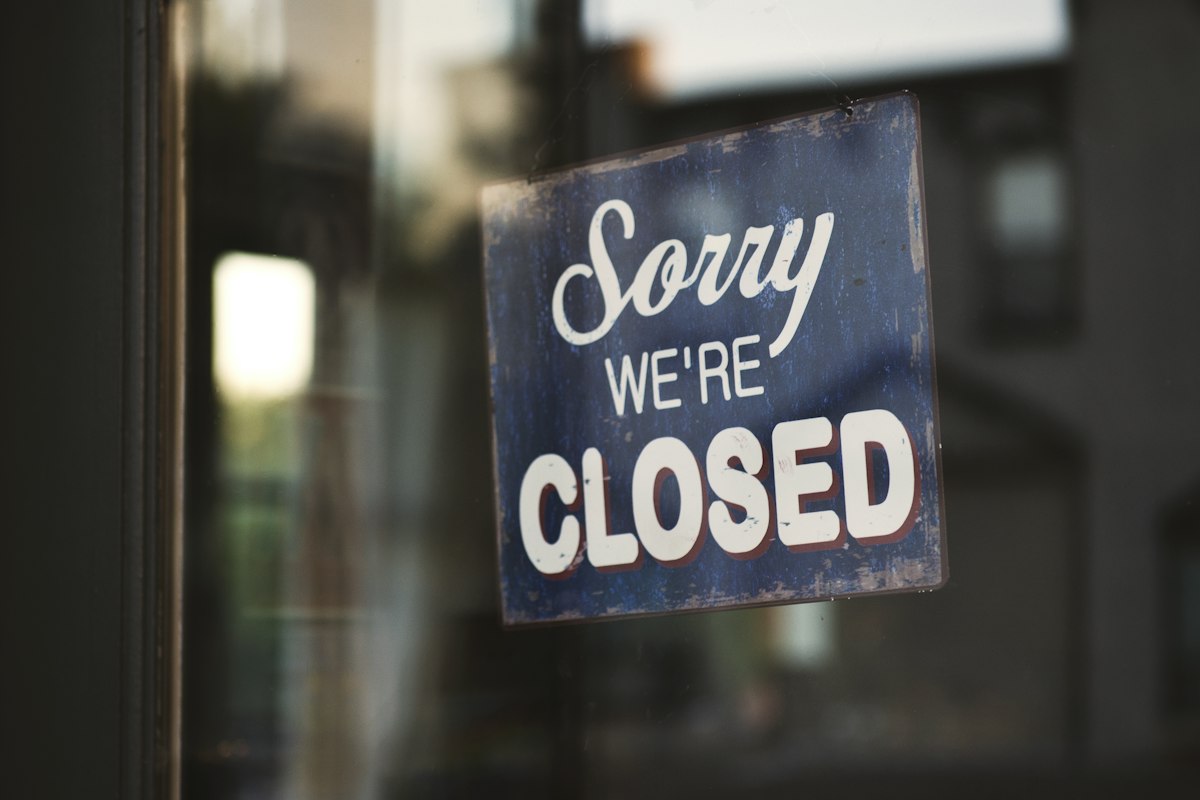
There is a second audience for the label, and it is the one people forget.
Staff, suppliers and delivery drivers check the same listing, and a profile that still advertises Saturday hours will keep sending them to a shut door as reliably as it sends customers.
Reviews, photos and posts stay attached to the profile throughout. Nothing you built is lost while the closed label is on, which is why a seasonal operator can close every winter without starting from zero every spring.
The part that takes longer than people expect
A permanently closed listing does not vanish the moment you save it. Google describes a permanently closed listing as gradually disappearing from search results before it is removed completely.
Plan for a gradual fade rather than an instant one, and resist the temptation to fix a slow fade by deleting things.
Closing the profile, or handing back your ownership of it
Some owners do not want a label at all. They want the listing gone, and the control they find is a different one with a different outcome.
Google's remove a Business Profile from your Google Account page describes removing a profile from the account that holds it, through the Business Profile settings.
What that deletes is your material: posts, photos, videos and review replies written by owners and managers are permanently removed.
What stays is everyone else's. User-generated content and reviews remain on the listing, which means removal leaves the criticism and takes away your answers to it.
It also does not do what people expect.
Google is explicit that removing all ownership and content does not guarantee the business will stop appearing on Maps and Search, and its own recommendation for a business that has shut is the permanently closed label rather than removal.
Two practical notes sit on that control. New owners and managers have to wait 7 days before they can remove profile content or managers, and taking a listing off Search and Maps altogether goes through a separate removal request rather than through the account settings.
For almost every closing business, then, the closure label is the correct tool and the removal control is a trap that looks tidier.
Reopening, and the one move that should never be a reopen
Coming back is the mirror image of closing, with one large exception attached.
Google's mark your business as reopened page documents the path.
Open the profile, select Edit profile, then Hours, and choose to open with main hours. Tick each day you trade, set the times, and save.
For a group of locations, select them in Business Profile Manager, open Actions, and mark them as open.
Now the exception.
Google says that if a business was marked permanently closed as part of a location change or a name change, you should not reopen it. Add a new profile instead, and verify that new profile.
Verification is not instant, so a business that reopens the wrong way can spend the first weeks at its new address unverified while an old, closed profile still holds its search history.
Questions that come up when a profile goes dark
Does a temporarily closed profile keep its reviews?
Yes. Closing changes a status on a profile that carries on existing, so reviews, photos and history stay exactly where they were and come back with you.
What if Google marked my business permanently closed by mistake?
Google's reopening path is the fix. Open the profile, go to the hours section, and set it back to open with your main hours, checking each day you trade before saving.
Should I close the profile when I move to a new address?
No. A move handled as a permanent closure is the specific case Google warns against. The documented route is a new profile for the new location, which then has to be verified before it works properly.
How long does a closed listing stay in search results?
Google does not publish a fixed timeline. It describes a permanently closed listing as gradually disappearing from search results before complete removal, so plan for a slow fade and avoid trying to force it.
Can a closed profile still be edited?
Yes. The closure is an hours setting rather than a lock, so an owner or manager signed in to the right Google Account keeps the same editing controls, including the ability to change the status back.
Before you save the closure
Run a short pass before you touch the status, because the setting is quick and the consequences are not:
- Confirm the length of the closure, and use special hours if it is a week or less.
- Sign in with the account that actually owns the profile, not a personal one.
- Choose permanently closed only if trading at that address has ended.
- If you are moving or renaming, plan the new profile and its verification instead.
- Note the reopening date somewhere you will see it, then set the hours back on that day.
A closure handled well costs you a minute and protects everything the profile has collected.
Handled carelessly, it takes the reviews, the history and the customers who were still looking for you down with it.